How to Evaluate AI Outbound Software in 2026: Workflow Fit, Deliverability, and Human Control
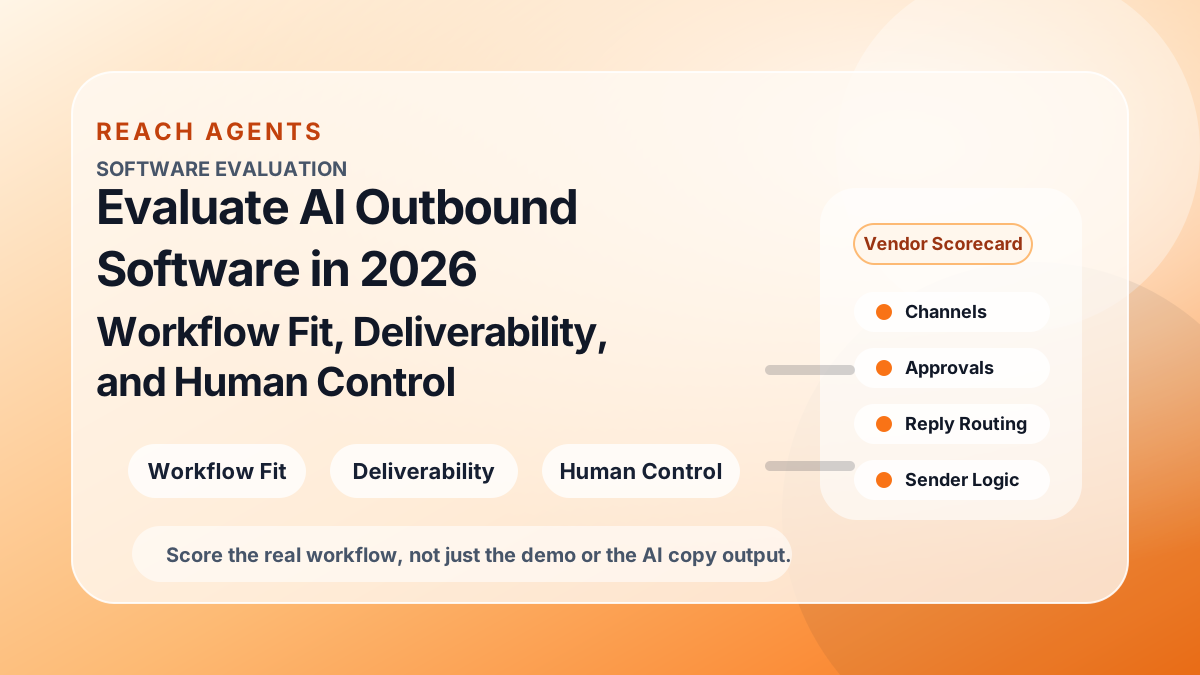
Most AI outbound software evaluations go wrong for the same reason.
Teams score the demo instead of the operating model.
The workflow looks impressive in a sales call. The system finds leads, drafts messages, shows signal enrichment, and promises more pipeline with less manual work. Then the team tries to run a real campaign and the harder questions show up:
- Can it actually fit our ICP rules?
- Can it choose between LinkedIn, X, and email with real logic?
- Can it manage multiple sender accounts without chaos?
- Can we review risky messages before they send?
- Can we protect deliverability while still learning fast?
- Can we route replies to the right human owner?
Those questions matter more than whether the product can generate fluent copy.
In 2026, a useful AI outbound platform should not only create activity. It should help a team run a controlled multi-channel workflow.
This guide gives you a practical evaluation lens for that decision.
1. Start with workflow fit, not with the feature grid
Before you compare tools, write down your actual outbound workflow.
That means being explicit about:
- who you target
- what signals count as a reason to reach out
- which channels you want to use first
- which sender accounts are available
- where approval is required
- who owns replies after first contact
- what should happen when a campaign underperforms
If a tool looks strong in isolation but does not fit the way your team actually works, the feature list will not save it.
A practical workflow map should cover six questions:
- How does the system define the ICP?
- How does it surface or rank buyer signals?
- How does it choose the first channel?
- How does it assign the right sender?
- How does it handle approval and escalation?
- How does it route replies and preserve ownership?
If the vendor cannot walk clearly through those six steps, you are probably looking at a message generator wrapped in outbound language.
2. Check whether the product can make channel decisions, not just run sequences
Many tools can launch multi-step sequences.
Fewer can explain why LinkedIn should go first for one buyer, X should go first for another, and email should stay selective for a third.
That distinction matters.
A modern outbound system should help your team decide:
- when social context is strong enough for LinkedIn or X
- when a verified work email makes email-first the right move
- when no channel should fire yet because the signal is weak
- when a human should review the channel decision before launch
If the platform treats every prospect like a fixed cadence problem, you are not really evaluating a multi-channel workflow product. You are evaluating a sequence runner.
This is where the current Reach Agents article cluster is useful as an evaluation checklist:
A good product should make those decisions operational, not leave them as vague strategy notes.
3. Evaluate connected accounts and sender assignment as first-class product surfaces
A lot of AI outbound tools still treat senders like background configuration.
That is a mistake.
If your team will use multiple LinkedIn, X, or email accounts, the product needs strong sender logic, not just connection status.
Check whether the system can answer:
- which sender should own which segment
- how duplicate touches are prevented
- whether one lead can be locked to one owner before send
- who monitors replies from each connected account
- how sender identity changes by channel and buyer type
This matters because connected accounts are not only infrastructure. They are part of the message itself.
A good evaluation should inspect both connected account setup and sender assignment rules. If the platform cannot model those cleanly, multi-account scale usually turns into internal confusion.
4. Deliverability control should be visible before scale, not after problems start
Deliverability should not be treated as an email-only side module.
It is one of the clearest signals of whether a platform is built for controlled outbound or for unchecked volume.
Ask whether the product helps you:
- keep email selective when LinkedIn or X should carry more early load
- control sender-level or inbox-level volume deliberately
- separate ready-to-send segments from weak-fit segments
- review first batches before ramping volume
- spot negative patterns before domain health drops
- pause or suppress risky workflows quickly
A vendor does not need to claim magical deliverability outcomes to pass this test. It does need to show that the workflow encourages better decisions before more email volume gets sent.
If the product pitches scale but cannot show clear controls for deliverability readiness, that is a real buying risk.
5. Human control should exist inside the workflow, not outside the workflow
One of the biggest differences between tools is where human judgment lives.
Some products assume the team will review output informally in Slack, spreadsheets, or inboxes after the fact. Others make review part of the actual send path.
The second model is much safer.
When you evaluate an AI outbound platform, ask:
- what actions can be auto-approved?
- what actions default to review-before-send?
- can approval rules differ by channel, sender, or account tier?
- what happens when the system has low confidence?
- can strategic accounts or risky claims escalate automatically?
The key question is not whether the vendor says "human in the loop."
The key question is whether the workflow can show:
- the buyer and account context
- the reason-to-message
- the chosen channel
- the selected sender
- the draft itself
- the next owner if the buyer replies
That is what a real approval workflow looks like. If review is disconnected from context, the team ends up approving copy instead of approving decisions.
6. Reply routing and handoff are where many tools quietly break
Getting the first message out is only the beginning.
The real operational test is what happens when the prospect answers.
That is why you should ask every vendor to show the reply flow, not just the send flow.
Look for whether the product can:
- classify replies into clear categories
- stop queued follow-ups automatically when a reply arrives
- route the conversation to the right human owner
- preserve channel context across LinkedIn, X, and email
- escalate pricing, objections, referrals, or sensitive replies correctly
- show which account originally sent the message and who now owns the thread
If the product cannot handle reply routing and human handoff, it may create more follow-up work than it removes.
7. Reporting should help you judge quality, not only activity
A lot of outbound tooling still reports like volume is the main objective.
But when AI is involved, activity metrics alone are not enough.
You should be able to evaluate quality across the workflow.
That includes visibility into:
- reply quality by sender
- reply quality by signal type
- performance by first channel
- approval bottlenecks
- negative replies or unsubscribe patterns
- campaign segments that should pause rather than scale
- which sender-account combinations are actually earning more load
If reporting only tells you how many steps were sent, you are missing the information needed to improve decision quality.
A strong product should make it easier to answer:
Which buyers, senders, signals, and channels are producing the healthiest real conversations?
That is a much more useful buying test than whether a dashboard looks polished.
8. Use a practical scorecard instead of a generic feature checklist
A simple scorecard makes vendor comparisons clearer.
| Evaluation area | What to verify in a live demo or pilot |
|---|---|
| ICP and targeting | Can the system express inclusion, exclusion, and segment rules clearly? |
| Signal quality | Does it show why the buyer is relevant now, not just that data exists? |
| Channel choice | Can it justify LinkedIn, X, or email as the first move? |
| Connected accounts | Are sender accounts mapped cleanly with clear ownership? |
| Sender assignment | Can the system pick the right sender and suppress duplicates? |
| Deliverability control | Can the team keep email selective, cap risk, and pause quickly? |
| Approval workflow | Can humans review context plus decision, not just the draft text? |
| Reply routing | Can replies be triaged and handed to the right person fast? |
| Reporting | Can you see quality by sender, signal, and channel, not only send counts? |
| Rollout safety | Can the team start with a small reviewed batch before scaling? |
This kind of scorecard usually reveals more than broad feature claims like "AI personalization" or "autonomous SDR."
9. Run a narrow pilot before you buy into the big promise
The safest way to evaluate AI outbound software is to run a small, observable pilot.
A good pilot is not huge. It is controlled.
For example:
- define one ICP segment
- choose one strong signal type
- connect a limited sender pool
- pick one social channel plus email only if the contact path is strong
- require review on first sends
- route replies into one visible workspace
- score the pilot on reply quality, ownership clarity, and operational ease
That pilot will tell you more than a long vendor demo because it forces the product to operate inside your real process.
10. The best AI outbound software helps your team make better decisions under control
The winning tool is not always the one with the loudest automation story.
It is the one that helps your team:
- target the right buyers
- choose the right channel
- assign the right sender
- protect deliverability
- keep humans in control of risky decisions
- hand replies to the right owner without friction
That is what workflow fit really means.
If the product cannot make those things easier, it does not matter how polished the AI copy looks.
Start free: connect LinkedIn, X, and email, define approval rules, and review your first multi-channel workflow inside Reach Agents at app.reachagents.ai.
Table of Contents
Ready to build your outbound workflow?
Book a walkthrough
Start using Reach Agents for free
Log in at app.reachagents.ai to connect your accounts and start launching outbound workflows.
Start free